Shared event albums
Halarta
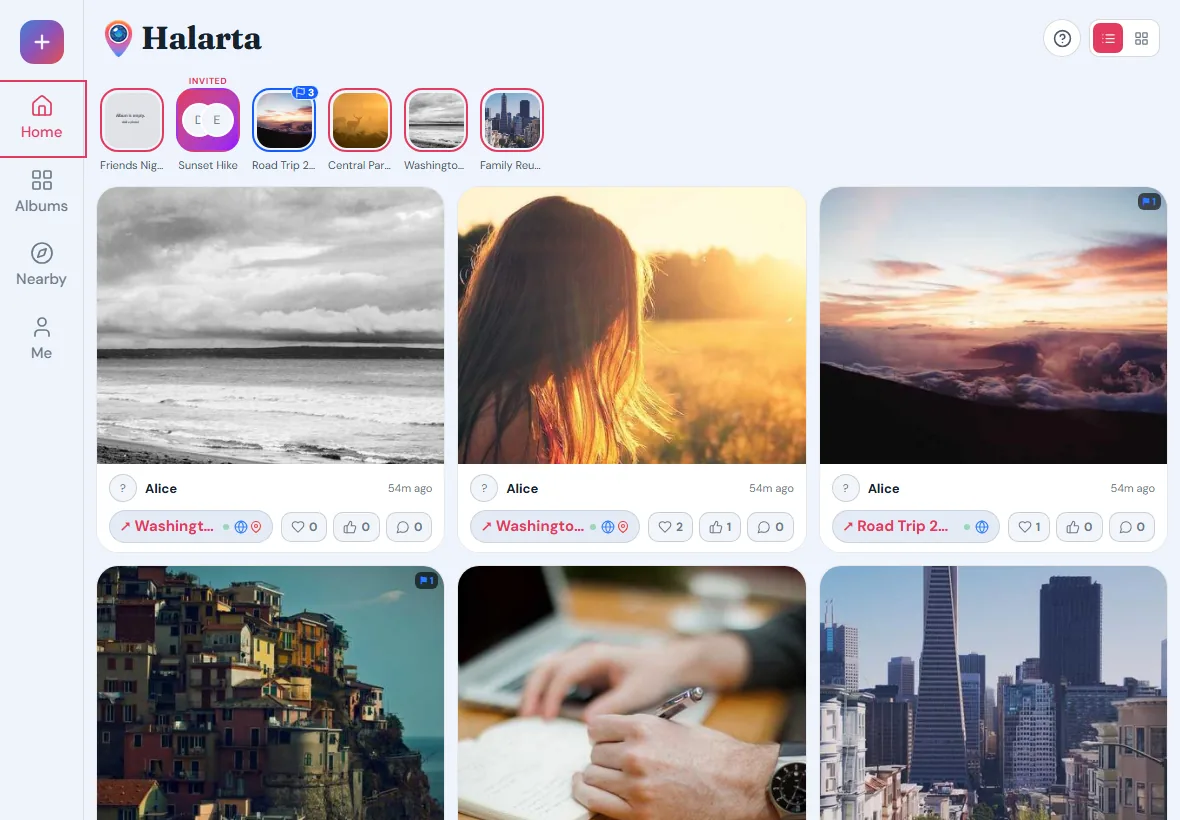
Halarta is for the photos from a wedding, a party, a reunion, or any event where everyone was taking pictures. The people who were there share what they took in one place, and the album stays with them.
What it does
One album for the whole event
Create an album and share the link or a QR code. Everyone adds their photos to the same place, so nobody has to chase down pictures afterward.
Tied to a place, if you want
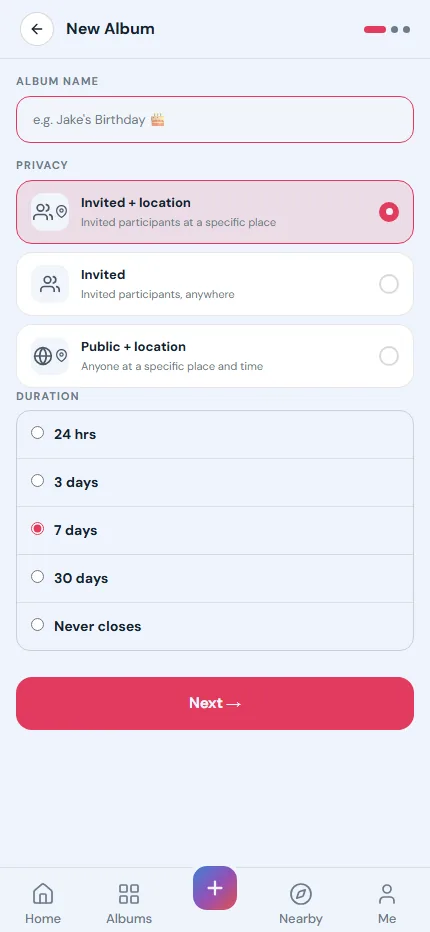
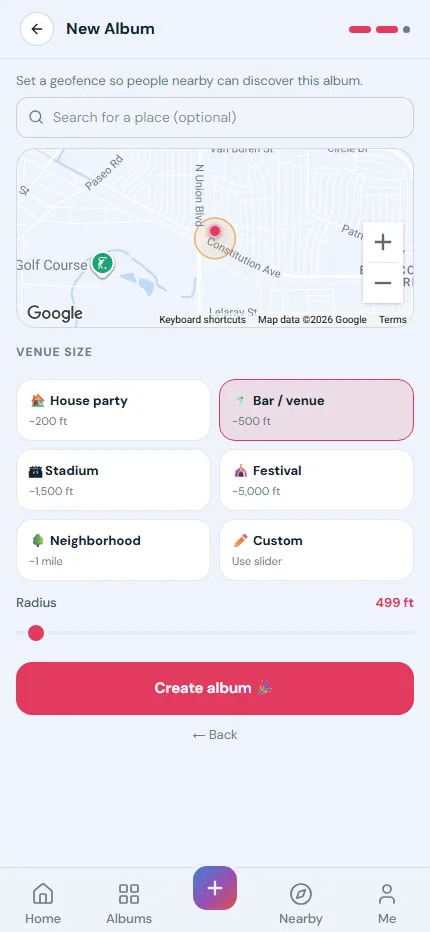
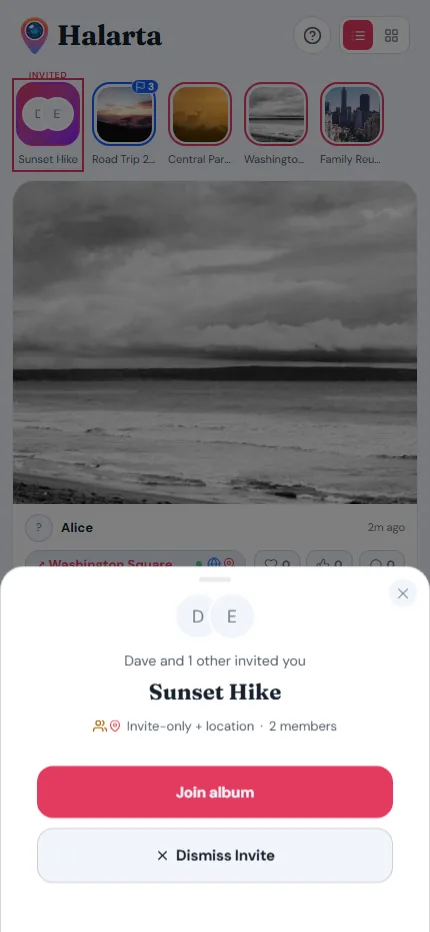
Pick the venue on a map and set the area, from a house party to a whole neighborhood. Only people who are there can add photos. Invited guests who couldn’t make it can still look and comment.
Open for as long as the event
An album can stay open for 24 hours, 3, 7, or 30 days, or with no end date. When it closes, the photos stay.
Find albums nearby
Public albums show up on the Nearby map, so people at the same festival or game can find the album and join in.
Favorites, likes, and comments
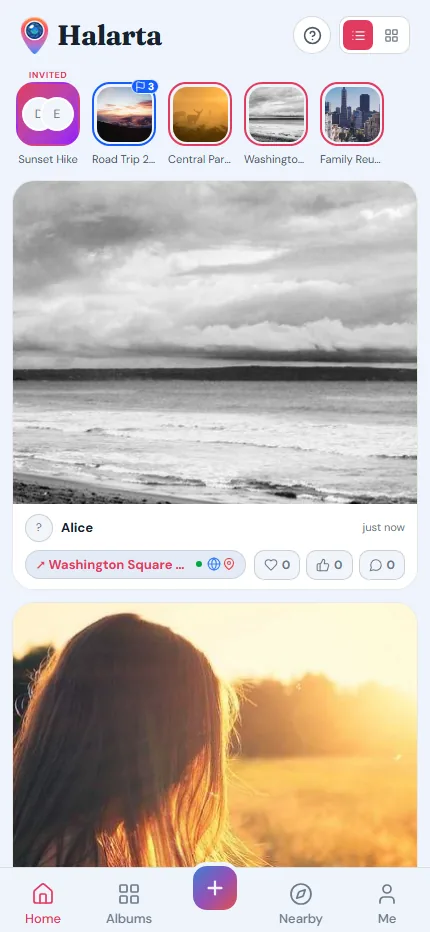
Save the shots you love, like the best ones, and comment on any photo. The most-liked photo becomes the album cover.
Your photos stay yours
No ads. Location data is removed from the copies other people see, you choose whether your name shows in each album, and you can delete your account at any time.
Screens
Good to know
- Price
- Free. An optional one-time upgrade lets everyone in an invited album download every photo at full size.
- Sign-in
- Google, email and password, or a sign-in link sent by email.
- Works on
- Any current browser on a phone or a computer. Add it to your home screen to use it like an app.
- Languages
- English and Spanish.
Try Halarta
Halarta runs in your browser on a phone or a laptop. For help, email support@grapevinesoftworks.com.